Cybersecurity Solutions’
Simple implementation for average users’ protection against everyday cyber attacks!
Understanding the Threat: Common Hacks and Data Breaches
In today’s digital landscape, the risk of hacks and data breaches is ever-present, affecting millions of Internet users worldwide. Common hacking techniques include phishing attacks, malware infections, and ransomware, each posing serious threats to personal security. Phishing attacks involve cybercriminals masquerading as trustworthy entities to trick individuals into revealing sensitive information, such as passwords or financial details. These attacks can occur through email, text messages, or even social media. Being able to identify sophisticated phishing attempts is crucial for average users seeking to safeguard their data.
Another prevalent threat is malware, a category of malicious software designed to disrupt, damage, or gain unauthorized access to computer systems. Malware can be inadvertently downloaded through seemingly harmless links or attachments, resulting in data loss or compromised privacy. Examples of malware include viruses, spyware, and trojans, all of which can create vulnerabilities that hackers exploit. Awareness of the different types of malware and their telltale signs is essential in maintaining digital security.
Ransomware represents a particularly alarming threat, where cybercriminals encrypt a user’s files and demand a ransom for their release. High-profile ransomware attacks on organizations and hospitals have made headlines, highlighting the potential for widespread disruption. Individuals must understand that these threats often originate from unguarded online behavior, such as clicking on suspicious links or neglecting software updates.
Real-life instances of data breaches, like the Equifax incident in 2017, reveal the far-reaching consequences of inadequate cybersecurity. In that breach, personal information of approximately 147 million people was compromised, leading to identity theft and financial loss. By learning about these threats and understanding the tactics employed by cybercriminals, individuals can take proactive steps to protect themselves against hacks and data breaches, thus enhancing their overall cybersecurity posture.
The Role of VPNs in Protecting Personal Data
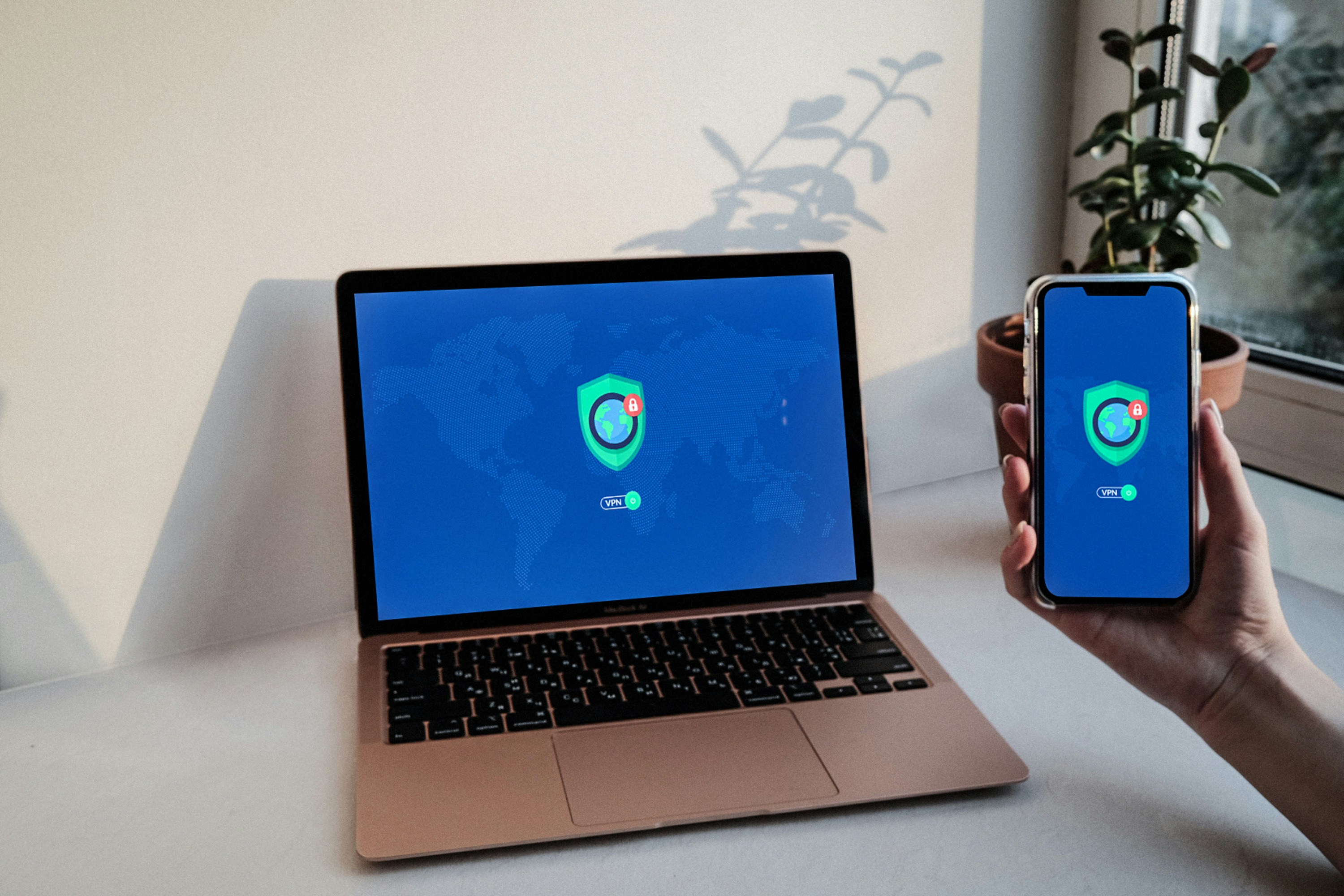
In today’s digital landscape, the importance of online privacy cannot be overstated. One of the most effective tools for safeguarding personal data while browsing the internet is the Virtual Private Network (VPN). A VPN creates a secure, encrypted tunnel between the user’s device and the internet, shielding their data from potential eavesdroppers, including hackers and cybercriminals. This is particularly crucial in an era where data breaches are becoming increasingly commonplace.
When a user connects to a VPN, their real IP address is masked, making it difficult for websites and online services to track their browsing activities. Not only does this enhance user privacy, but it also helps guard against targeted attacks that often exploit publicly accessible Wi-Fi networks. By encrypting internet traffic, a VPN reduces the risk of sensitive information being intercepted during transmission, enhancing overall security significantly.
| VPN | Monthly Cost | Reliability | Website |
|---|---|---|---|
| NordVPN | $3.39/month | ★★★★★ | Visit Site |
| ExpressVPN | $6.67/month | ★★★★☆ | Visit Site |
| Surfshark | $2.49/month | ★★★★☆ | Visit Site |
In addition to ensuring privacy and security, VPNs offer other notable benefits. They can bypass geographic restrictions placed on content, allowing users to access websites and streaming services that may be unavailable in their region. This increases users’ access to information and entertainment while further securing their personal data online.
When selecting a VPN service, there are key features to consider to ensure robust protection against data breaches. Opt for services that have no-log policies, meaning they do not store any records of user activity. Additionally, a reliable VPN should have a “kill switch” feature that disconnects the internet if the VPN connection drops, preventing unencrypted data exposure. Strong encryption protocols, such as OpenVPN or IKEv2, are essential for providing adequate security. Reputable VPN services like NordVPN, ExpressVPN, and CyberGhost are known for their strong security measures and user-friendly interfaces, making them excellent choices for those concerned about online privacy.
Enhancing Security with Hardware Tokens: The Benefits of Security Keys
In an increasingly digital world, protecting sensitive information is paramount. One effective strategy for bolstering security is the use of hardware tokens, specifically security keys, such as YubiKey. These physical devices provide an additional layer of security by requiring users to authenticate themselves through a tangible item, thereby reducing the risk of unauthorized access to accounts.
Hardware security keys work by generating a unique cryptographic code when plugged into a computer’s USB port or tapped against a mobile device via Near Field Communication (NFC). Unlike traditional two-factor authentication (2FA) methods, such as SMS codes or authenticator apps, security keys are less susceptible to phishing attacks and other forms of exploit that compromise authentication methods. Their reliance on a physical device means that even if a user’s password is compromised, an attacker would still need access to the key to gain entry into the account.
Incorporating security keys into existing security practices is relatively straightforward. Most major online services, including Google, Microsoft, and Facebook, support hardware tokens as part of their authentication options. Users can simply navigate to their account security settings and follow the instructions to add the security key. Additionally, many modern security keys are designed to work with multiple platforms, which provides users with the flexibility to secure several accounts with a single device.
| Key | Price | Best For | Website |
|---|---|---|---|
| YubiKey 5 NFC | $45 | Most users (USB + NFC) | Visit Site |
| SoloKey USB-C | $30 | Affordable alternative | Visit Site |
| Google Titan Key | $50 | Google users | Visit Site |
The advantages of using security keys over traditional 2FA methods are clear: enhanced protection against unauthorized access, ease of use, and interoperability across various services. As cyber threats continue to evolve, integrating hardware security keys into daily digital practices can significantly improve personal security posture. By adopting such measures, users can enjoy greater peace of mind when engaging with the online world.
Simplifying Password Management: The Case for Password Managers
In the increasingly digital world, the importance of utilizing secure and unique passwords cannot be overstated. Weak or reused passwords pose a significant risk, making accounts vulnerable to unauthorized access and data breaches. Password managers, such as LastPass and Bitwarden, provide an effective solution by securely storing and managing passwords, significantly enhancing online security for everyday Internet users.
These tools work by generating strong, complex passwords that are difficult to crack, ensuring that each account has a unique password—thereby reducing the risk of breaches caused by weak or repeated credentials. Additionally, password managers encrypt your stored passwords, safeguarding them from potential cyber threats. Users benefit from a range of features, including autofill options for web forms and seamless synchronization across multiple devices. This means that users can easily access their accounts without constantly remembering numerous complex passwords.
| Manager | Cost | Features | Website |
|---|---|---|---|
| Bitwarden | Free / $10/year | Open-source, secure, cloud sync | Visit Site |
| LastPass | Free / $36/year | Easy setup, autofill, family plan | Visit Site |
| 1Password | $35.88/year | Great UI, travel mode | Visit Site |
Setting up a password manager is both straightforward and essential. First, users must choose a reputable password manager and download the application. After creating a master password—preferably a strong one, as it acts as the gateway to all stored passwords—users can start adding their credentials. Most password managers provide options to import existing passwords for convenience. Once the setup is complete, users can take advantage of the built-in password generator to create secure passwords for new accounts.
To maximize the effectiveness of a password manager, users should make it a habit to regularly update their passwords, especially for sensitive accounts such as banking or email. Enabling multi-factor authentication (MFA) wherever possible adds an extra layer of security, making unauthorized access exceedingly difficult. By adopting a password manager, Internet users can significantly enhance their online safety, ensuring that their valuable information remains protected from cybersecurity threats.